03Align and insert
04Verify seating
The fastest and best way to get operators trained.
Seneca creates four stages of training for every procedure.
Learn the job through a conversation.
Seneca AI explains each step, answers questions, and checks the operator’s understanding.
Seneca AI: Check that the pin shoulder meets the bracket face. How can you tell the pin is fully seated? Operator: There’s no visible gap. Seneca AI: Exactly. Let’s move to the next step.
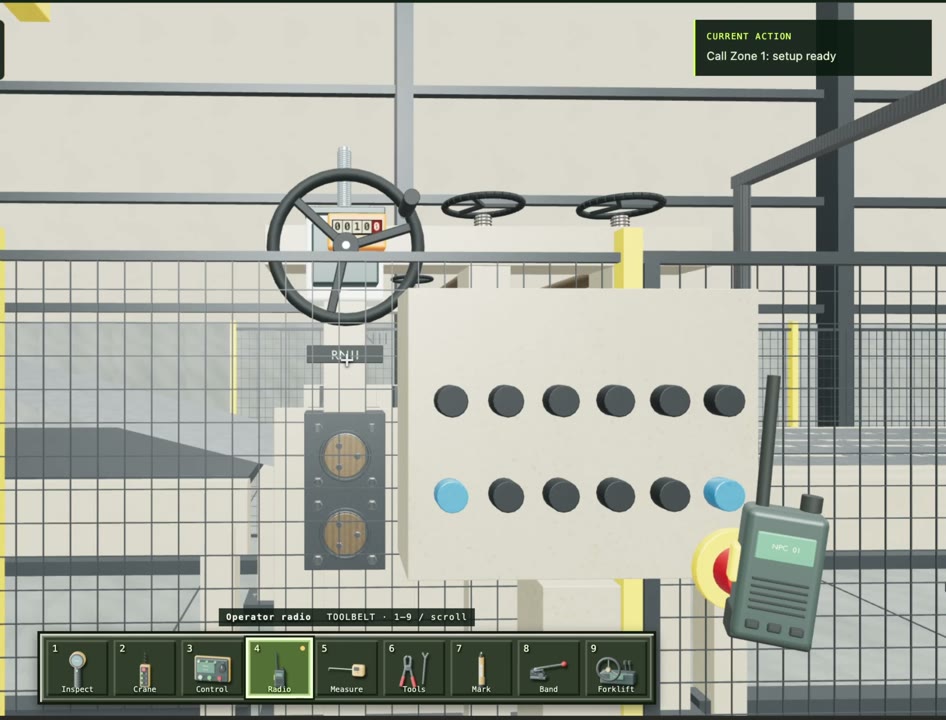
Practise before reaching the floor.
A step-by-step simulation lets operators practise the sequence while production equipment stays available.
Put the training into practice.
Follow the SOP with an experienced operator, answer questions, and keep personal notes beside each step.

Only in my personal SOP.
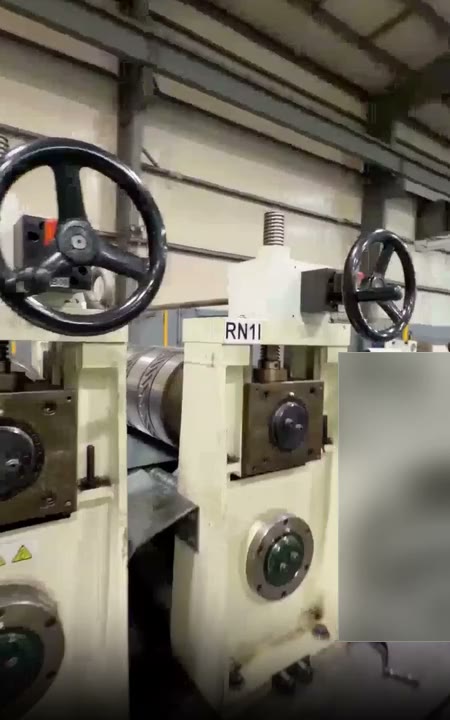
Perform the job with guidance in view.
Seneca follows the work through smart glasses, checks the steps, and records the completed evaluation.
Use Seneca’s full learning management system, or integrate with the LMS you already have.
Manage operators, assign training, and keep completion records in one place.
Try it: switch between operators and training sessions, then open a record.
Connect to your existing LMS through SCORM


 and more…
Seneca helps America
build hard things.