AI Work Instructions & Procedures

Capture or upload.

Start with the source of truth.

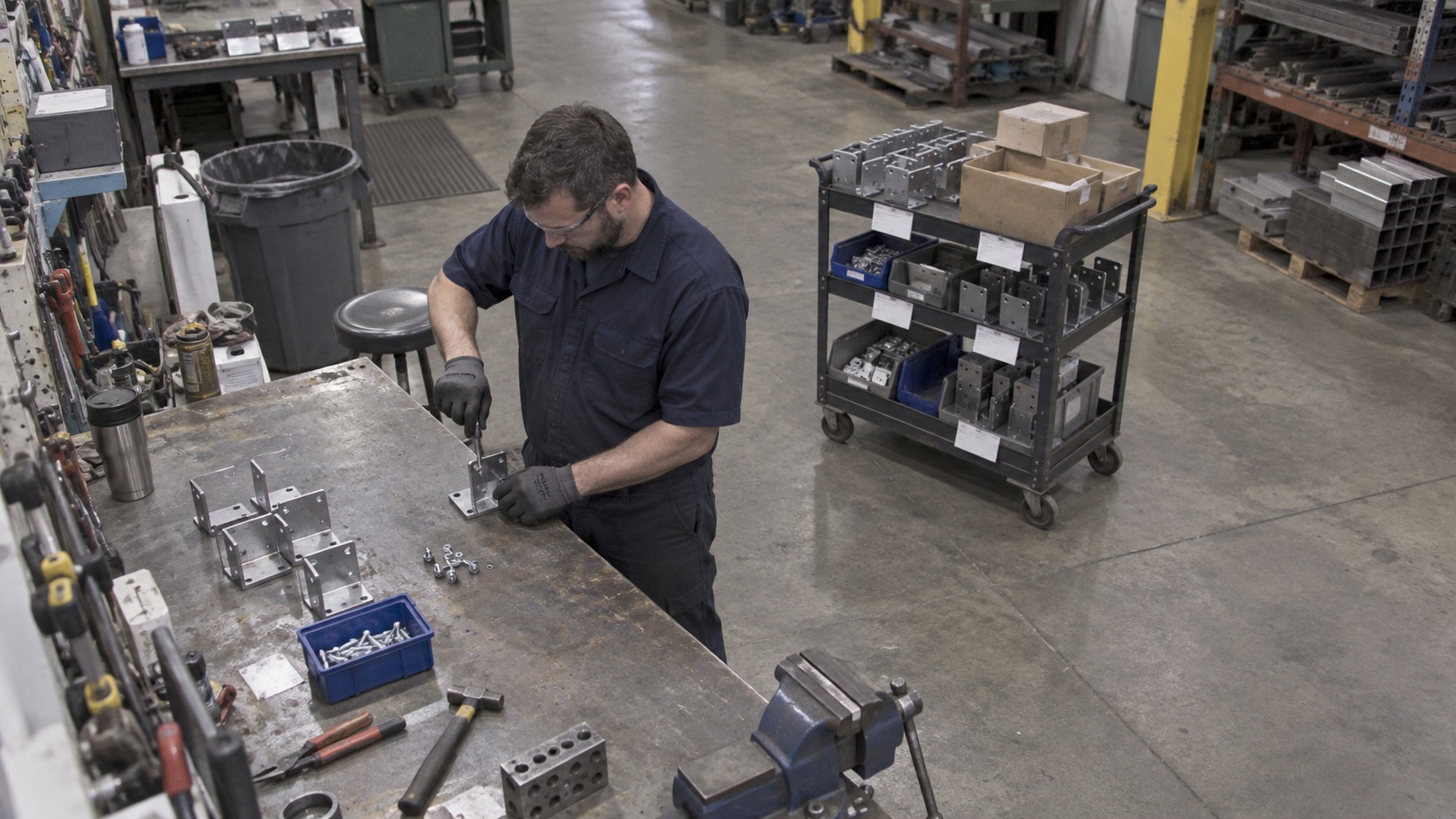
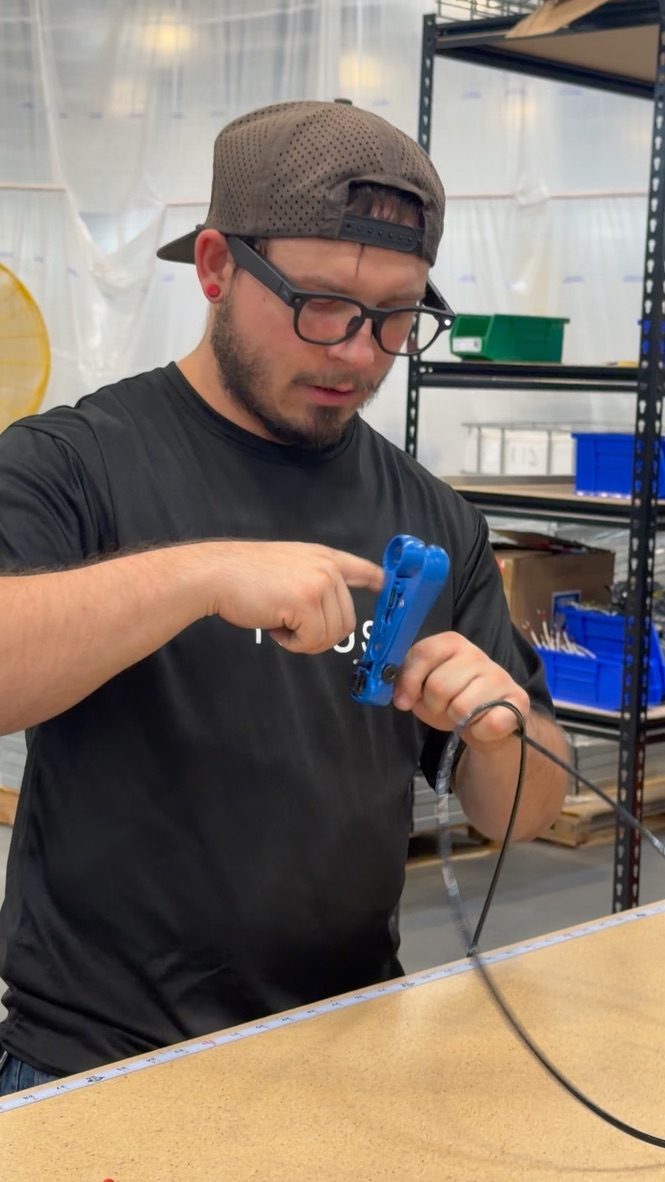
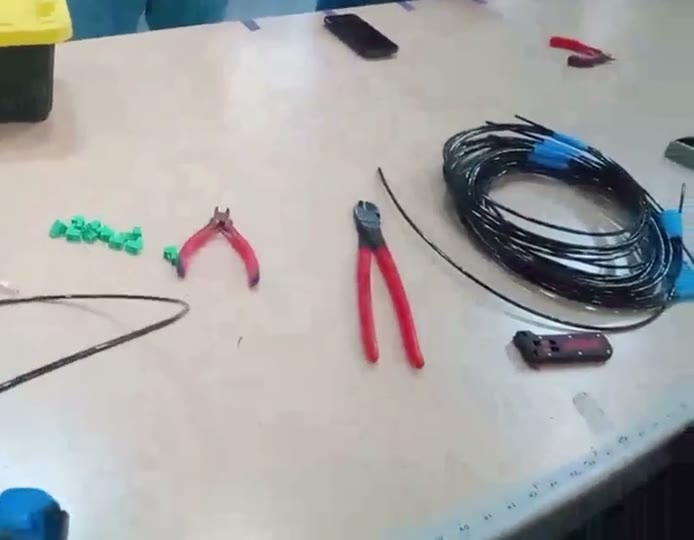
Record the work on a phone or smart glasses. Bring in existing files, video, CAD, and drawings.

Team recording a shop-floor demonstration on a tablet

Understand
the work.

Seneca AI turns video, files, and CAD into a draft SOP.Working Standards stays in sync with both operators and engineering.

SOP / BRACKET ASSEMBLYDRAFTING
WORK INSTRUCTIONS

Seat precision pin

WORK SEQUENCE04 STEPS
01Inspect bracket and pin
02Secure bracket in the fixture
03Align and insert pin
04Verify pin is fully seated
JOB PURPOSE

Assemble a mounting bracket and pin for a demo fixture.

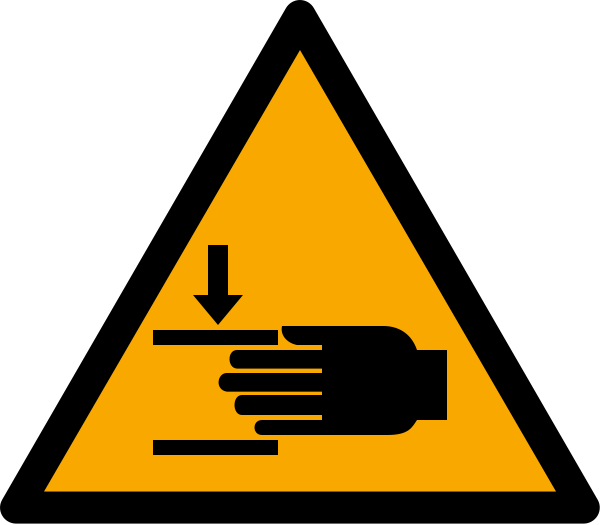
HAZARDS
Pinch zones
REQUIRED PPE
Cut-resistant glovesSafety glasses
STEP 04 / DETAIL

Check that the pin shoulder meets the bracket face with no visible gap. Record the result before releasing the assembly.

OPERATOR INPUT / STEP 04REQUIRED RESPONSE

Is the pin fully seated?
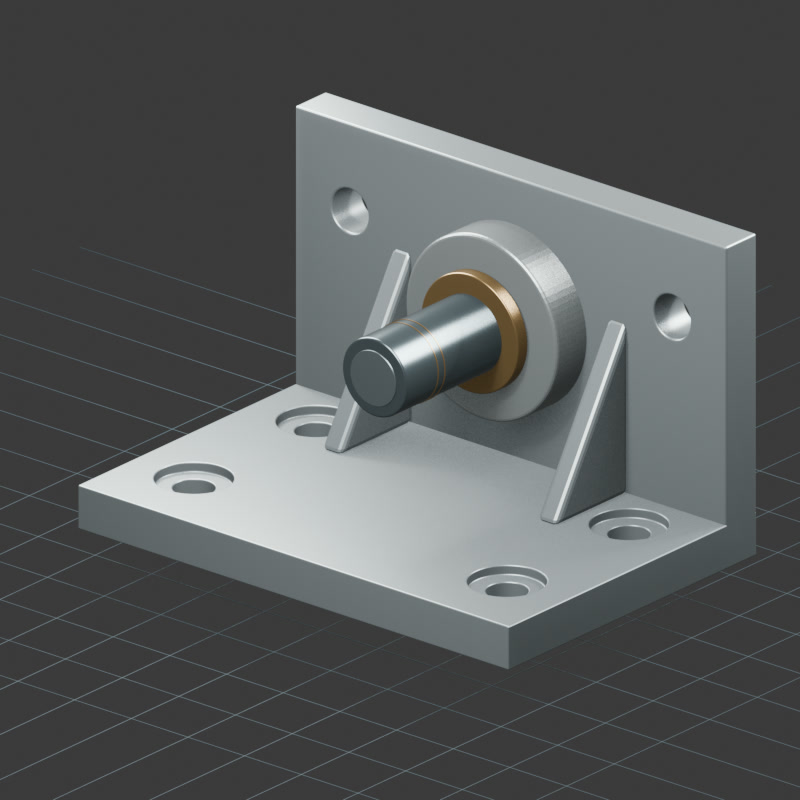
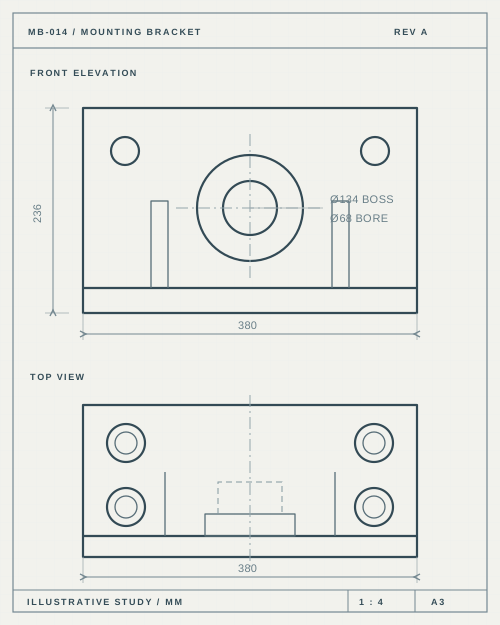
CAD ASSEMBLY REFERENCE
DRAFT SOPREADY FOR HUMAN REVIEW ✓

Integrates into your DMS & QMS

and more…

Written procedures in hours.

Easy updates.

Just upload new changes.

Custom approval flows.

Export into.

  • YOUR TEMPLATE
  • Training Videos
  • Short Clips
  • QR Codes
  • IKEA Picture Instructions
  • VR Training
  • Improvement Analysis
  • 3D Assembly Animations

Use it on the floor.

Scan the code. Follow the steps.

Send feedback.

Flag a step. Suggest a better way.

Seneca helps America
build hard things.